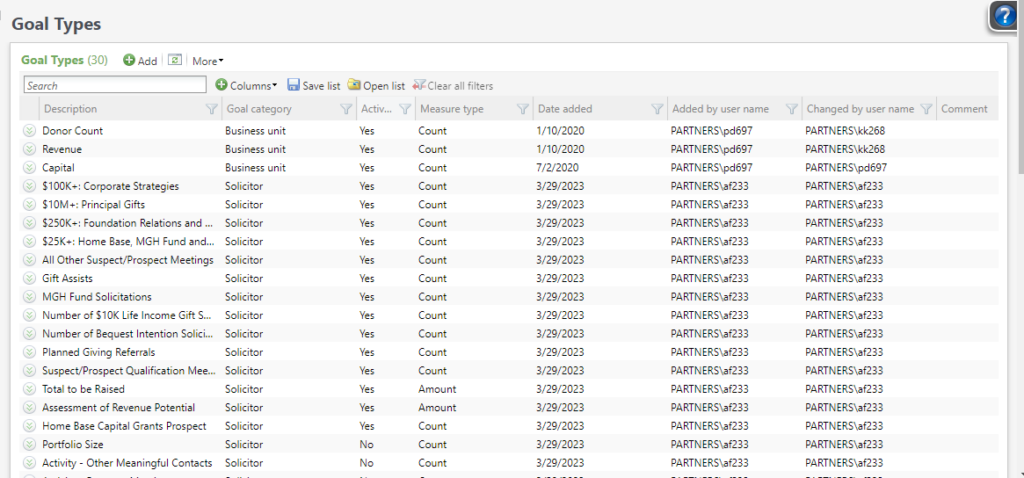
To add new Fundraiser goal types, go to Administration >> Configuration >> Goal Types, and click on Add.

- Description. This is the phrase the fundraisers will see on their goals tabs.
- Goal category. Choose Solicitor. (Business Unit goals are also stored in this table.)
- Measure type. Choose Count or Amount. This is used for report formatting.
- Comments. Optional.
Good to Know!
- You can use the same Description for different categories. For example, you could have both a Business unit goal called Total raised and a Fundraiser goal called Total raised.
- You can also access Goal types from the Administration >> Code tables area, but the Add and Edit forms presented are the standard CRM forms, and they do not include the Goal category. If Solicitor goal types are created without a Category, they won’t be visible on the fundraiser’s record.
How Do I?
- Add Goals to specific fundraisers?
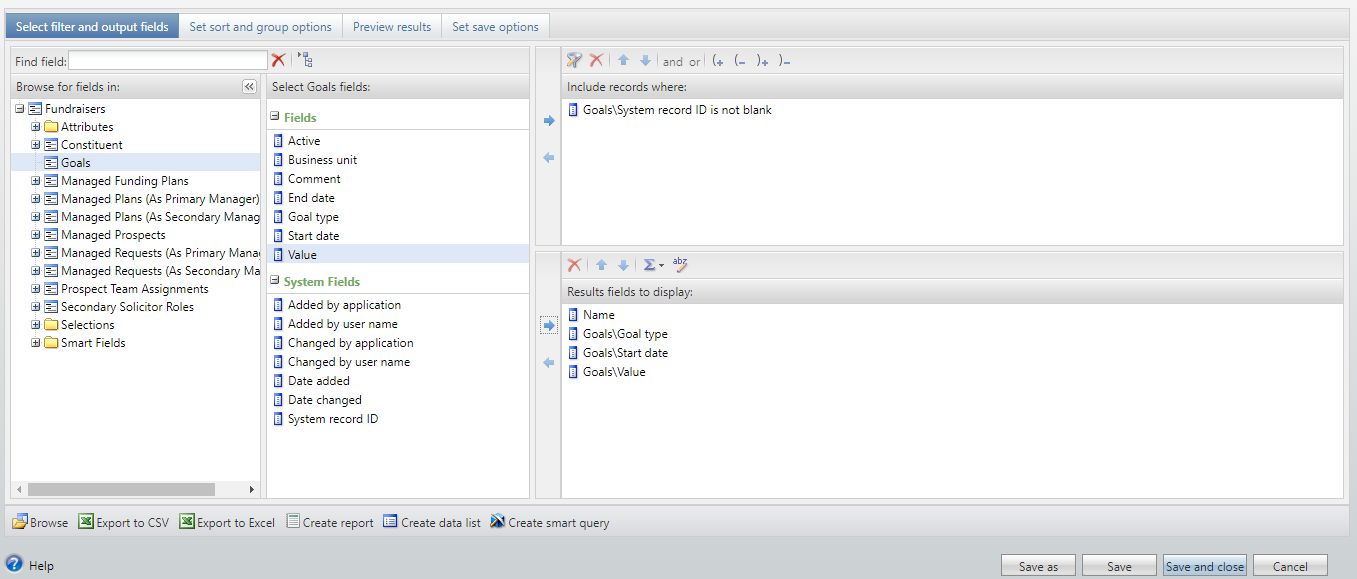
- Query for Goals? Use the Goals node in the Fundraiser query view.